Use Cloudflare Workers to serve static files on Wasabi
/ 2 min read
Updated:Table of Contents
- Updated on Jul 21 2021: Wasabi has already fixed this issue.
- Updated on Jul 18 2021: I received the message that they had found the issue and tried to fix it. This workaround will be no longer needed soon. :)
I think that introducing Wasabi to the production environment has a bitty risk with this recovery time, four business days.
Timeline
- Jul 21 2021: Fixed 😀
- Jul 20 2021: Custom domain support on specified conditions still has been broken. 🙀
- Jul 18 2021: Wasabi customer support has replied.
- Jul 17 2021: I found that static contents could not be loaded on my site.
- Jul 16 2021: Somebody reported similar issue on Twitter.
Within a few days, I found that Wasabi has not been able to handle accessing via a custom domain. Customer support representative says, “We don’t support custom domain and serving static files,” despite they published this tutorial for using Cloudflare with Wasabi.
<?xml version="1.0" encoding="UTF-8"?><ErrorResponse xmlns="https://iam.amazonaws.com/doc/2010-05-08/"> <Error> <Type>Sender</Type> <Code>InternalError</Code> <Message>We encountered an internal error. Please retry the operation again later.</Message> <Detail>Panic in user_server request from MY_IP_ADDRESS:PORT: runtime error: slice bounds out of range [:5] with length 3</Detail> </Error></ErrorResponse>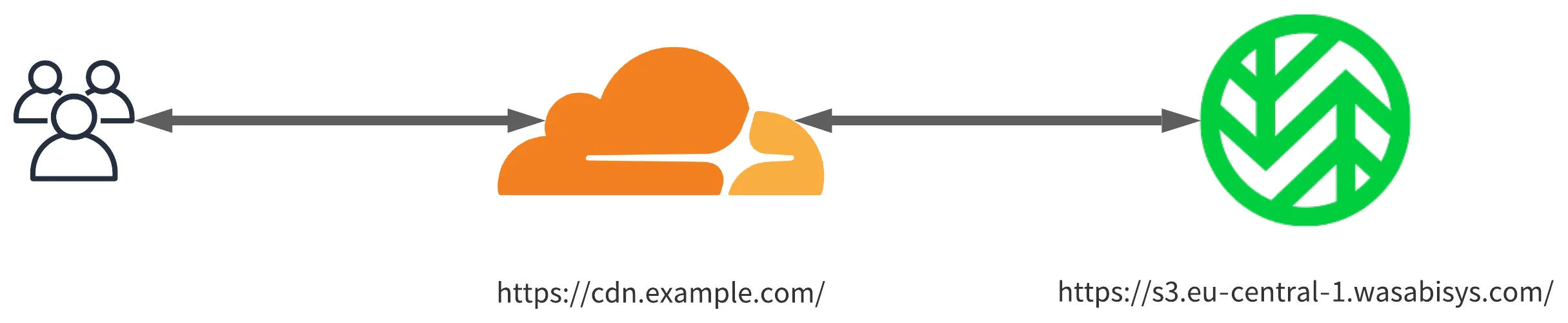
For this reason, I decide to use Cloudflare Workers to redirect users’ requests directly to Wasabi endpoint. This is just a workaround, Wasabi should update their document or revert the broken change to the previous one.
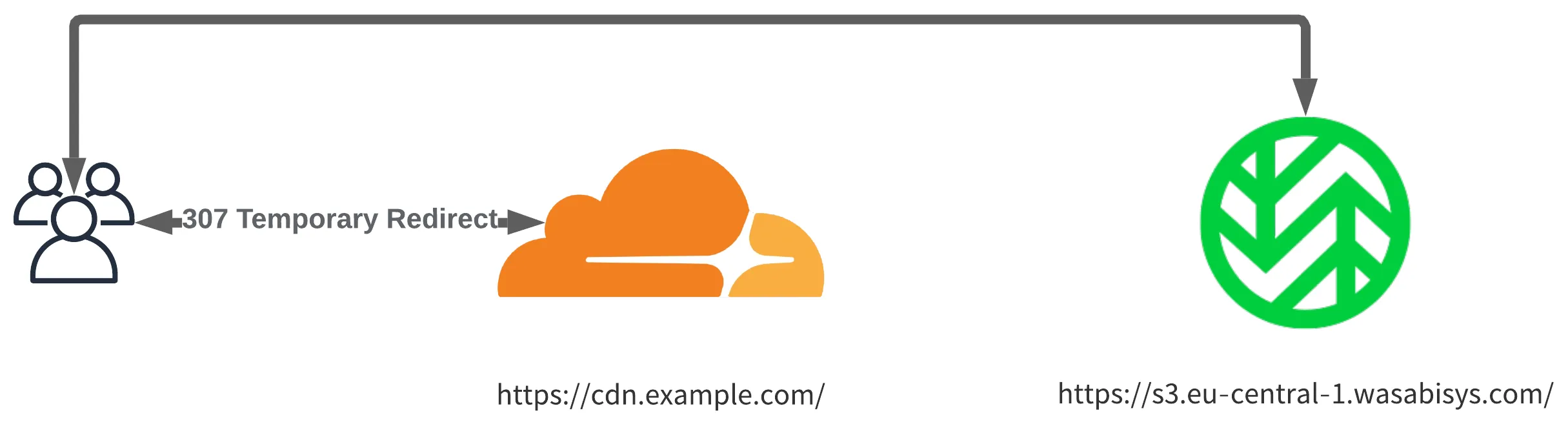
addEventListener("fetch", (event) => {  event.respondWith(    handleRequest(event.request).catch(      (err) => new Response(err.stack, { status: 500 })    )  );});
async function handleRequest(request) {  const { pathname } = new URL(request.url);
  return Response.redirect("https://s3.eu-central-1.wasabisys.com/BUCKET_NAME/" + pathname, 307);}